
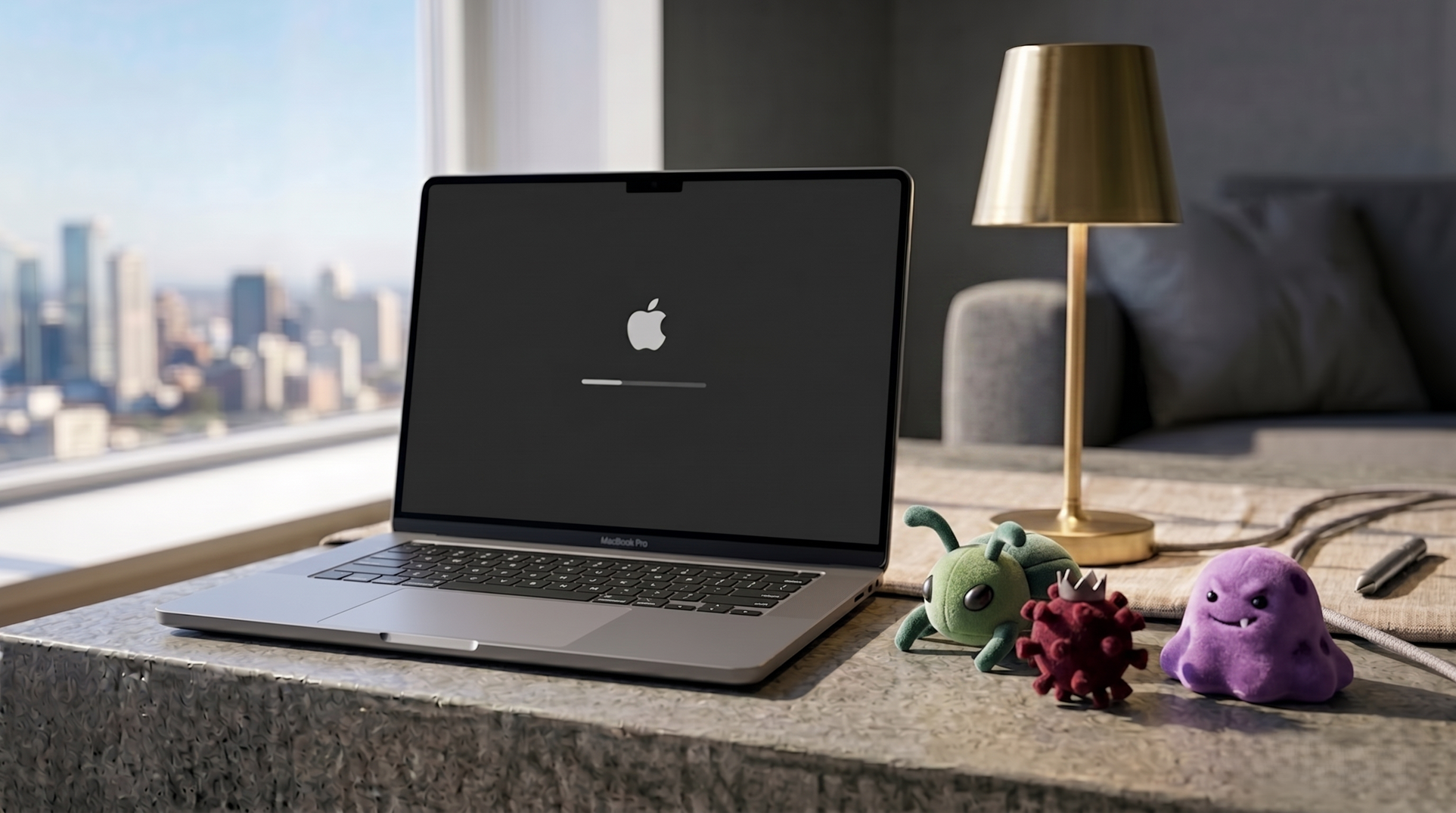
Walk into any conversation about computer security, and someone with a MacBook will eventually say it: “I don’t need to worry about that, I’m on a Mac.” It’s said with complete confidence, usually by someone who’s been saying it for fifteen years without incident. The problem is that the logic behind it stopped being accurate quite a while ago.
Where the myth came from
The “Macs don’t get viruses” belief has a legitimate origin. In the early 2000s, Apple’s market share was somewhere between 3 and 5 percent of global desktop users. Writing malware is a commercial activity—attackers invest time and resources in developing and distributing threats, and they target platforms where the return justifies that investment. With 95% of computers running Windows, the economics were clear. Mac users were, in practical terms, too small an audience to bother attacking.
This created a real security advantage that wasn’t about the operating system being more secure—it was about the OS being an inefficient target.
What changed
Mac’s global desktop market share is now approximately 15 percent. Apple Silicon’s performance improvements drove a significant uptick in Mac adoption through the early and mid-2020s, particularly among creative professionals, developers, and students—demographics that are often more financially attractive targets for credential theft and financial fraud.
Malwarebytes, which tracks threat activity across platforms, reported that macOS threat detections grew by over 100 percent in 2024 compared to the previous year. The threat landscape shifted from opportunistic to deliberate.
What the current threats look like
- Infostealers are the most significant active threat category targeting Mac users. AMOS (Atomic macOS Stealer) and Poseidon are among the most documented—they’re typically distributed disguised as cracked versions of popular paid software or tools downloaded from unofficial sources. Once installed, they harvest saved passwords from browsers and password managers, crypto wallet data, and session tokens. The data is exfiltrated silently.
- Adware and browser hijackers modify browser settings, redirect search queries, inject advertisements, and collect browsing behavior. These are less financially damaging than infostealers but represent a significant proportion of macOS detections.
- Phishing isn’t platform-specific—a convincing fake Apple ID login page or banking portal works the same regardless of whether the person clicking it is on a Mac, a PC, or a phone. The OS provides no protection against this category of attack.
What macOS actually provides
It’s worth being accurate here: macOS does have substantive built-in security. XProtect runs in the background and checks files against a database of known malware signatures. Gatekeeper verifies that apps come from identified developers and blocks software that hasn’t been notarized by Apple. The notarization system means Apple has reviewed the software for obvious malicious behavior before it can run on a Mac without triggering warnings.
These are real protections. They’re not comprehensive. XProtect is a signature-based system, which means it catches known threats that have been identified and added to its database—it doesn’t catch novel threats or sophisticated infostealers that haven’t been cataloged yet. Gatekeeper can be bypassed by users who dismiss warnings, which happens more often than it should.
What actually helps
Keeping macOS updated is the highest-impact action. The majority of successful attacks on Mac systems exploit vulnerabilities that have been patched in current macOS versions—users running outdated system versions are significantly more exposed.
Avoiding software from outside the App Store or from developers whose reputation cannot be verified is the second most important habit. The infostealer distribution model relies on users downloading software from unofficial sources.
Not dismissing Gatekeeper warnings casually matters. The warnings exist for a reason — a legitimate app from a legitimate developer will either be in the App Store or be notarized without issues. An app that triggers persistent security warnings is worth being skeptical about.
Running an occasional scan with Malwarebytes for Mac—which is free for manual scans—is a reasonable precaution, particularly for users who have installed software from non-App Store sources.