
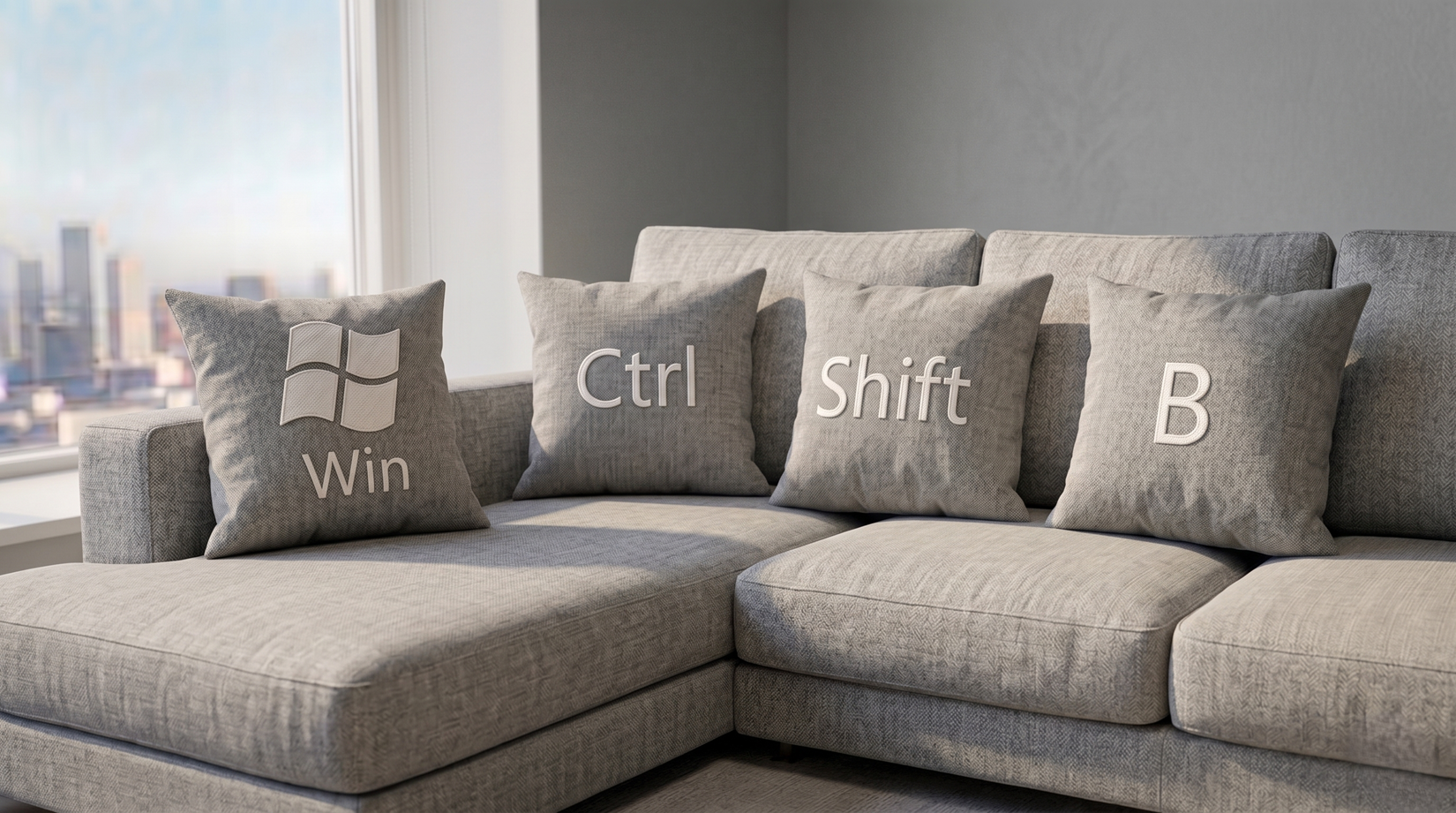
There is nothing more panic-inducing than watching your Windows computer freeze right in the middle of an important task. The mouse stops moving, the screen goes completely unresponsive, and your first instinct is usually to reach for the physical power button and force a hard reset.
Before you do that and lose all your unsaved work, there is an emergency keyboard shortcut you need to try.
The fix: Win + Ctrl + Shift + B
If you press these four keys simultaneously, you are sending a direct command to Windows to discard the current graphics buffer and restart your video driver. Your screen will flash black for a fraction of a second, you might hear a soft beep, and your graphical interface will reload. Because this only affects the display driver, your actual applications and unsaved documents remain completely untouched. It is the ultimate digital lifesaver.
4 more essential shortcuts you should be using
If you loved that trick, you are probably underutilizing your keyboard. Here are four more powerful Windows shortcuts that will completely change your daily workflow:
1. The ultimate screenshot tool: Win + Shift + S
Stop using the clunky Print Screen button. This shortcut instantly darkens your screen and opens the Snip & Sketch tool, allowing you to drag a perfect box around exactly what you want to capture and copying it directly to your clipboard.
2. The time-traveling clipboard: Win + V
Did you copy something an hour ago and immediately overwrite it by copying something else? Pressing Win + V opens your entire Clipboard History. You can see a list of texts, links, and even images you copied earlier in the day and paste them with one click. (Note: You may need to click “Turn On” the first time you use it).
3. The direct Task Manager: Ctrl + Shift + Esc
Most people use Ctrl + Alt + Delete to get to the Task Manager, which forces you through a secondary menu screen. Pressing Ctrl + Shift + Esc bypasses that entirely, instantly launching the Task Manager directly on your desktop so you can quickly kill a misbehaving app.
4. The instant lockdown: Win + L
Getting up to grab a coffee at the office or at a cafe? Never leave your PC unlocked. Hitting Win + L instantly throws your computer back to the lock screen, securing your private data in a fraction of a second.