
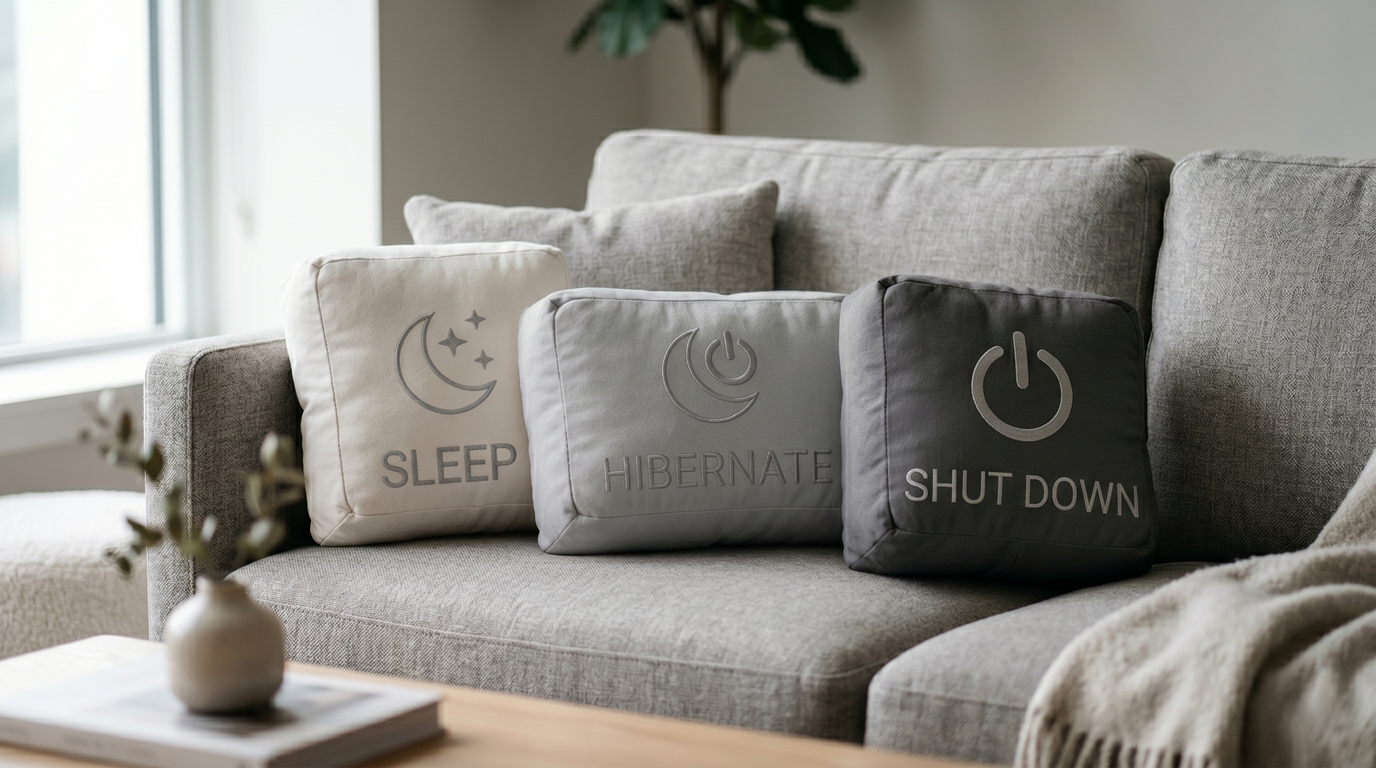
Most people pick one of these power options early on and never revisit the decision. Which makes sense—they all “turn off” the PC in some sense. Except they don’t, really. Here’s what’s actually going on under the hood and why the choice matters more than it looks.
Sleep: the one everyone uses
Sleep keeps the contents of your RAM powered and everything else shut down. Your open applications, browser tabs, documents, half-finished spreadsheet—all of it stays exactly where it was, preserved in memory with a small continuous power draw.
The result: your PC wakes up in about two seconds, exactly where you left it. It feels effortless because it is.
The catch is that RAM is volatile—it needs continuous power to hold data. If the power goes out, the laptop battery dies, or someone trips over the power cable, everything in RAM disappears. You come back to a cold boot, and whatever wasn’t saved is gone.
Sleep is ideal for short breaks where you’ll be back within a few hours and have reliable power.
Hibernate: the underappreciated one
Hibernation solves the power-cut problem by copying the entire contents of RAM to a file on your storage drive (hiberfil.sys), then powering off completely. Zero power consumption. If power is interrupted, nothing is lost—the data is safely on disk.
When you resume from hibernation, Windows reads that file back into RAM and restores your session. The process takes 15 to 30 seconds, depending on how fast your SSD is and how much RAM you have.
The trade-off is SSD wear. Every time you hibernate, Windows writes however much RAM you have to disk—on a system with 16 GB RAM, that’s 16 GB written per hibernate cycle. Resume writes it back. Two hibernate sessions a day on a 16 GB system means roughly 32 GB of writes daily. Modern SSDs have TBW (terabytes written) ratings in the hundreds to thousands, so this won’t kill a drive overnight—but it’s real, cumulative wear that doesn’t exist with Sleep.
Hibernate makes most sense for laptops going into a bag for extended periods or any situation where battery life or power reliability is a concern.
Shut Down: not what you think on Windows 10 and 11
Here’s the one that genuinely surprises most people: clicking Shut Down on Windows 10 or 11 doesn’t perform a complete power-off by default.
Fast Startup—enabled by default—means Windows saves a partial system image (the kernel session and loaded drivers, not your open apps) to the hibernate file before shutting down. The next boot loads this image rather than initializing everything from scratch, which speeds up startup. In practice, Shut Down with Fast Startup is closer to a partial hibernate than a true cold shutdown.
For most day-to-day use, this is fine. But if you’re troubleshooting a persistent issue, installing new hardware, or applying driver updates, a genuine clean restart matters. The way to get one: hold Shift while clicking Shut Down. This bypasses Fast Startup and performs a true full shutdown. Restart (not Shut Down) also performs a proper full boot cycle.
SSD wear comparison
| Mode | SSD writes per use | Power draw | Wake time |
| Sleep | Minimal | Small, continuous | ~2 seconds |
| Shut Down (normal) | Small (Fast Startup file) | None | 15–30 seconds |
| Shut Down (Shift) | None | None | 20–40 seconds |
| Hibernate | Several GB | None | 15–30 seconds |
Daily hibernation is the only mode that generates substantial SSD writes. Sleep and Shut Down are both gentle on storage over time.
The practical recommendation
For most people, a simple approach works well: Sleep for breaks of a few hours, Shut Down (or Shift + Shut Down for a clean reboot) overnight. Hibernate is worth knowing for laptops—particularly when the battery is low, and the lid needs to close fast—but isn’t necessary as a daily habit. Creative living is often misunderstood as simply an aesthetic choice—an arrangement of colors, textures, and decor. In reality, it extends far beyond style, shaping the way we think, interact, and approach everyday life. Living creatively involves adopting a mindset of curiosity, intentionality, and experimentation. It transforms ordinary routines into opportunities for inspiration, fosters personal growth, and influences how we engage with the world around us.