
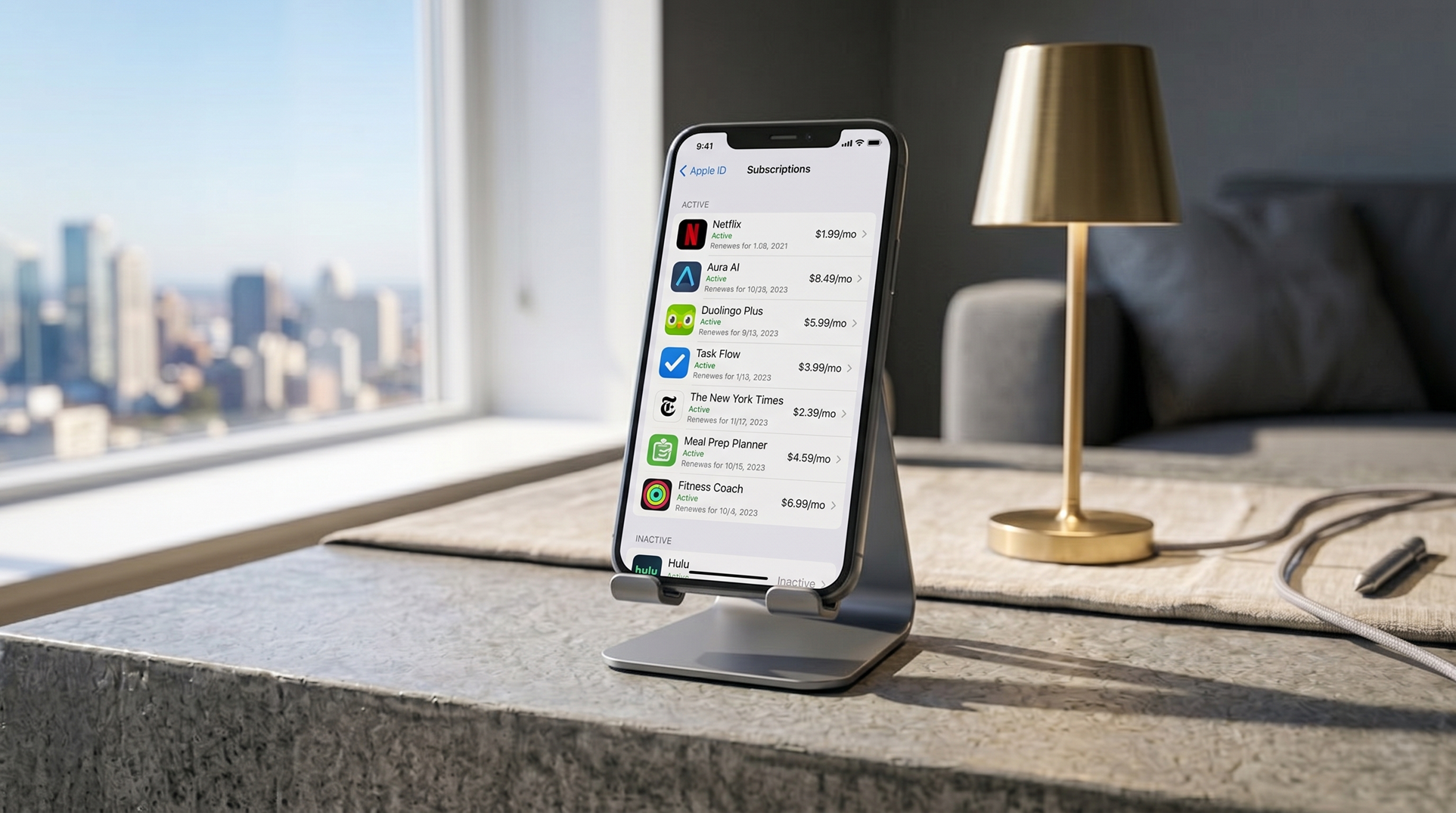
Subscription apps have a well-documented habit of being easy to sign up for and difficult to remember. A free trial converts to paid. A January fitness resolution generates a yearly charge. A VPN app gets used twice and then sits dormant while billing continues monthly. Most people are paying for at least one thing they’ve completely forgotten about.
Here’s exactly where to look.
iPhone: Apple Subscriptions
Everything billed through the App Store—including in-app subscriptions and Apple’s own services—appears in one place.
Open Settings and tap your name at the top of the screen. Select Subscriptions. Every active subscription is listed with its name, price, billing frequency, and next renewal date. Tap any subscription to see its full details, change the plan, or cancel it.
Cancelled subscriptions remain accessible until the end of the current billing period—you won’t lose access immediately.
Android: Google Play Subscriptions
Open the Google Play Store app and tap your profile picture in the top right corner. Select Payments & subscriptions, then Subscriptions. The list shows every active subscription managed through Google Play, with price and renewal information.
Tap any entry to manage or cancel it. As with Apple, cancelling ends the subscription at the next renewal date rather than immediately.
Beyond the app stores
The two lists above cover subscriptions billed through Apple and Google, but they don’t capture everything. Several categories of recurring charges live elsewhere.
PayPal recurring payments: Open the PayPal app or website, go to Settings (gear icon) → Payments → Manage automatic payments. This shows every merchant that has been authorized to charge your PayPal account on a recurring basis—including some that may have been set up years ago.
Bank or credit card app: Most banking apps have a recurring transactions or direct debits section that shows charges hitting your account on a regular schedule. This catches subscriptions that bypass the app stores entirely — website-based services, software subscriptions, and anything that charges a card directly.
Amazon: Go to Account → Memberships & Subscriptions. Prime is the obvious one, but this page also shows Kindle Unlimited, Audible, Amazon Music, and any other Amazon-managed subscriptions.
What to actually look for
The subscriptions most commonly found and canceled when people do this exercise:
- Fitness and workout apps signed up for in January that stopped being used by February.
- Meditation apps used a handful of times.
- Cloud storage accounts created to download or share one specific file.
- VPN apps trialed for a week and then abandoned.
- News and magazine sites where a free trial converted to a paid subscription without a noticeable notification.
- Language learning apps.
- Streaming services for content that was watched during one specific trip or period.
The average person doing this for the first time finds between one and three subscriptions they had either forgotten about entirely or had intended to cancel.
Doing this regularly
Running through these four places—Apple Subscriptions, Google Play Subscriptions, PayPal, and your bank app—takes about five minutes and is worth doing every few months. Subscription services are designed to reduce friction at signup and increase it at cancellation; the regular audit is the countermeasure.