
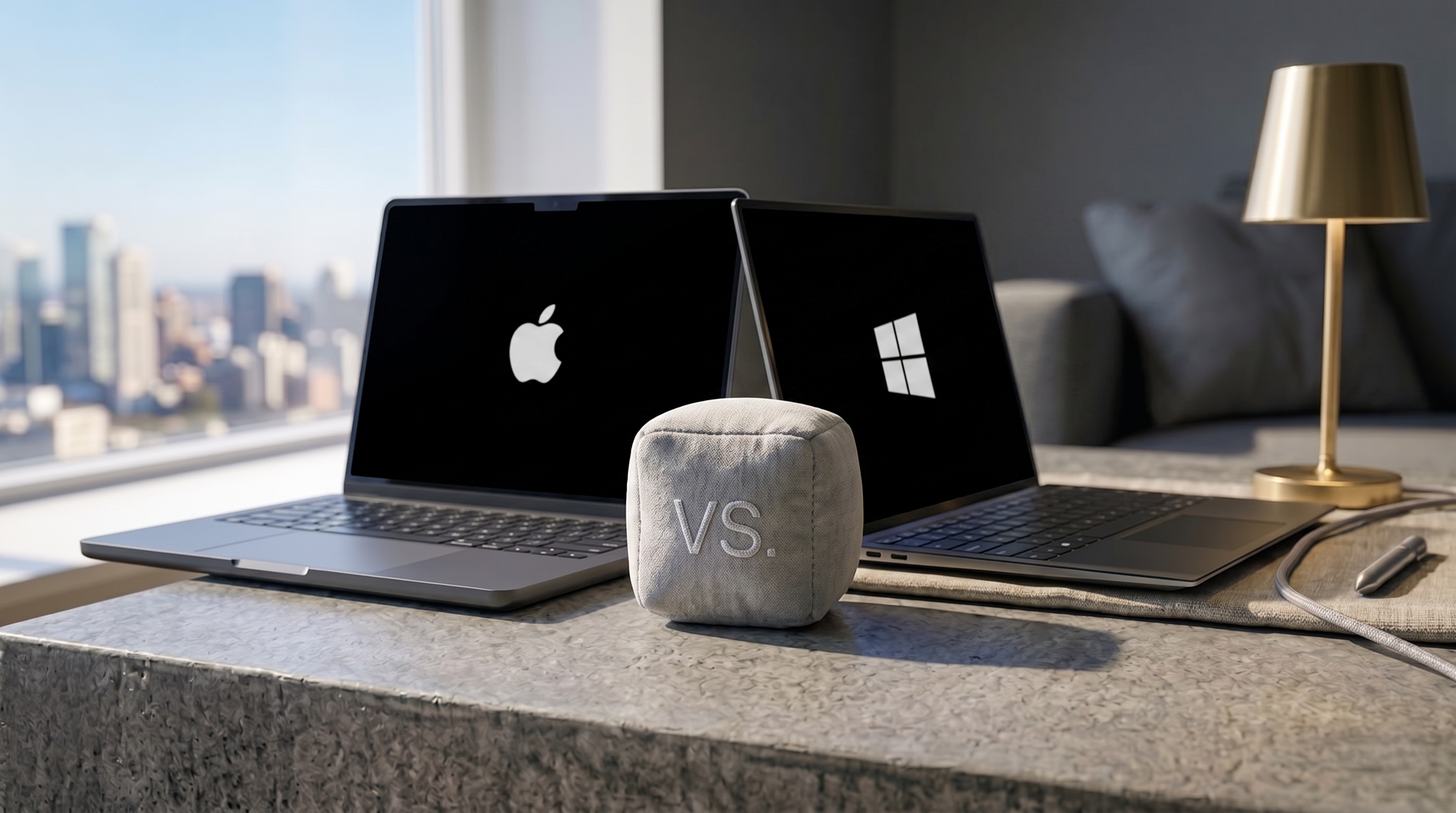
The Mac versus PC debate tends to generate more heat than light. Both sides have legitimate arguments, and the honest answer is that each platform has areas where it genuinely leads. This piece covers five where Mac wins. The PC response follows separately.
1. Battery life
MacBook Air M4 delivers over 18 hours of real-world battery life in independent testing under mixed workloads—web browsing, document editing, video calls, light media consumption. No Windows laptop at a comparable price point is in the same range.
This is a direct consequence of the Apple Silicon architecture. The M-series chips are designed by Apple for Apple’s own hardware, with power efficiency as a primary engineering priority. The integration between the processor, memory architecture, and macOS allows the system to manage power at a granularity that x86 processors on Windows don’t match.
The practical implication: a MacBook Air can be used for a full day of work without a charger. Windows laptops claiming similar figures in manufacturer specifications typically achieve those numbers under controlled conditions that don’t reflect normal use.
2. Trackpad
The MacBook trackpad has been considered the industry benchmark for more than a decade. It’s the comparison point in every Windows trackpad review—reviewers describe competitors as “close to MacBook quality” or “not quite MacBook level” rather than the other way around.
The combination of the haptic feedback engine (which creates the sensation of physical clicking across the entire surface without a mechanical hinge), the precision of the gesture recognition, and the consistency of palm rejection is ahead of any Windows alternative currently available.
This matters more than it might seem: a trackpad used dozens of times per hour accumulates into a significant quality-of-life difference over months of use.
3. iPhone integration
For iPhone users, the Mac provides a continuity of experience across devices that has no comparable equivalent in the Windows and Android ecosystems.
AirDrop transfers files between Mac and iPhone instantly over a local network, without accounts or cloud intermediaries. Handoff continues tasks between devices—start composing a message on an iPhone, finish it on a Mac. Universal Clipboard shares copied content across devices—copy on iPhone, paste on Mac. iPhone Mirroring allows full interaction with an iPhone’s screen directly from the Mac, including running apps.
These features work reliably and require no configuration beyond being signed into the same Apple ID. The Windows equivalent—Phone Link for Android—covers some of this functionality but with more friction and less depth.
4. Software support lifespan
Apple provides macOS updates, including security patches, for 7 to 8 years after a Mac’s release date. A Mac purchased in 2024 will receive operating system updates into the early 2030s.
Most Windows laptop manufacturers provide meaningful driver support and manufacturer-specific security updates for 3 to 4 years. After that period, Windows Update continues for the operating system, but hardware-specific drivers—for things like the trackpad, display, and battery management—may not be maintained.
The practical result: Mac hardware retains useful life and resale value longer, and users aren’t prompted to replace functioning hardware simply because the manufacturer has moved on to newer models.
5. Creative software included
Mac ships with iMovie, GarageBand, and Pages—free, pre-installed, and genuinely capable tools for video editing, music production, and document creation. These aren’t token applications; iMovie is used by professional content creators for social media production, and GarageBand has produced commercially released music.
Final Cut Pro and Logic Pro—paid but not subscription-based—are industry-standard tools in professional video editing and music production, respectively. Final Cut Pro’s optimization for Apple Silicon gives it a performance advantage on Mac hardware that Premiere Pro on Windows doesn’t match for the same tasks.
On Windows, building a comparable creative software stack requires sourcing third-party tools—some free, some paid—from day one. The included apps (Photos, Groove Music, Clipchamp) are functional but not in the same category.
The honest conclusion
These five advantages are real and acknowledged by most objective technology reviewers regardless of platform preference. They’re also not universal wins—PC has its own legitimate advantages. The best platform depends on what you actually need it for.