
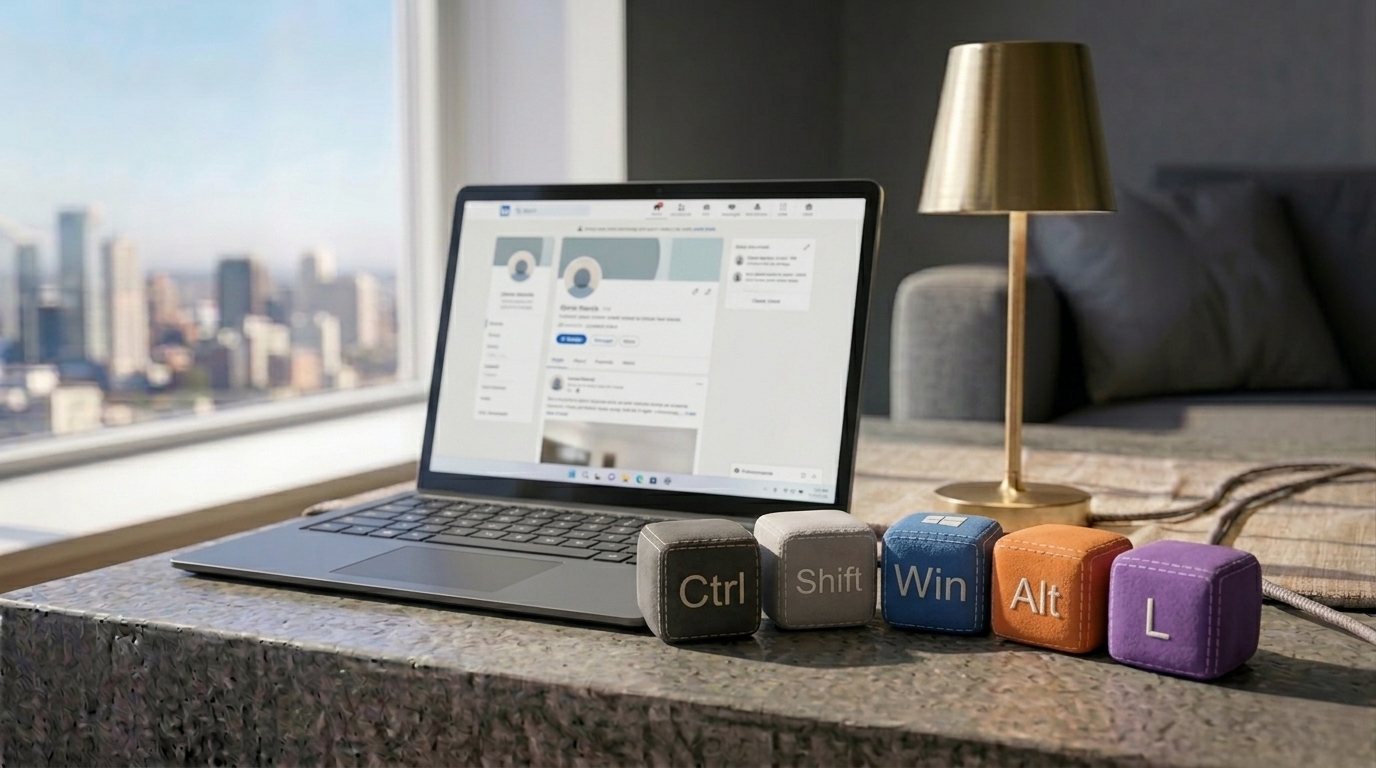
There are dozens of incredibly useful keyboard shortcuts built into Windows 11 that can save you hours of time every week. Win + V opens your clipboard history, and Win + Shift + S instantly launches the snipping tool.
But hiding deep inside the operating system is a shortcut that is so bizarre and unnecessary, it almost feels like an inside joke: Ctrl + Shift + Win + Alt + L.
If you press all five of those keys simultaneously, your default browser will immediately snap open and load the LinkedIn homepage.
Why does this exist?
You might be wondering why anyone would need an emergency panic button to look for a new job. The answer lies in hardware.
A few years ago, Microsoft released a series of branded keyboards that featured a dedicated “Office Key” designed to launch Microsoft 365 apps quickly. To make this dedicated key work on the software level without breaking existing keyboard standards, Microsoft hardcoded the operating system to recognize the massive modifier combination of Ctrl + Shift + Win + Alt as the “Office Key.”
Because Microsoft owns LinkedIn, they included the professional networking site in the Office Key ecosystem.
- Office key + W = opens Word
- Office key + X = opens Excel
- Office key + L = opens LinkedIn
Because your standard mechanical or laptop keyboard doesn’t have a physical Office Key, manually mashing all four modifier keys at once triggers the exact same software command.
Shortcuts you should actually use
While the LinkedIn shortcut is a fun party trick to show your coworkers, it isn’t exactly practical. If you want to use your keyboard to drastically speed up your daily workflow, here are three shortcuts you should memorize today:
- Ctrl + Shift + Esc: This immediately opens the Task Manager. You never need to use the old Ctrl + Alt + Delete screen again.
- Windows key + D: Instantly minimizes every open window and shows your desktop. Press it again to bring them all back.
- Windows key + arrow keys: Snaps your current window to the left, right, top, or bottom of your screen, making dual-monitor multitasking completely effortless.