
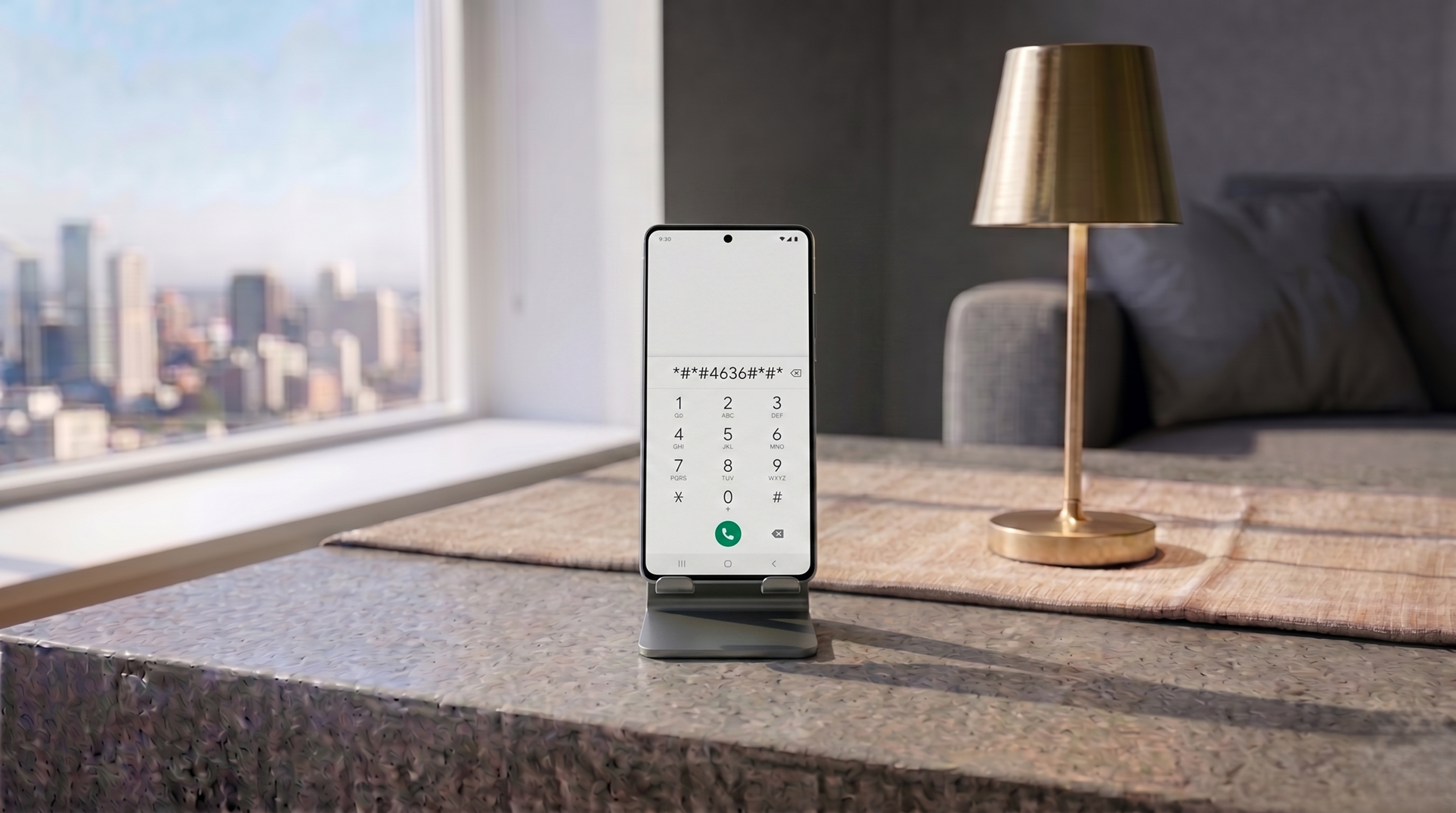
If you open your Android phone’s dialer and type *#*#4636#*#*, you won’t make a phone call. Instead, your screen will instantly transition into a hidden system menu.
This is known as the Android Testing Menu (or Field Test Mode). It is a diagnostic area built into the operating system for technicians and developers to check raw hardware data without relying on the simplified user interface.
What does the 4636 code show?
For most stock Android devices (like Google Pixels or Motorola), this code reveals:
- Phone information: Shows your exact network signal strength in dBm. If your signal is around -70 dBm, you have an excellent connection. If it drops to -100 dBm or lower, that is why your calls are dropping—regardless of how many “bars” your phone displays at the top of the screen.
- Usage statistics: A highly detailed breakdown of exactly how many milliseconds every app has been running in the background.
- Wi-Fi information: Raw ping data and connection API details.
- Battery information: The exact temperature of your battery and its voltage.
Why is my menu missing options?
If you tried the *#*#4636#*#* code on a Xiaomi, POCO, or Samsung device, you likely noticed that the Battery and Usage statistics menus are completely missing.
You didn’t do anything wrong. Smartphone manufacturers heavily modify the Android operating system. Brands like Samsung and Xiaomi intentionally hide or disable certain menus in the standard 4636 interface, choosing instead to route hardware diagnostics through their own proprietary secret codes.
The ultimate list of secret codes by brand
If the standard code didn’t give you the information you wanted, try the specific code for your manufacturer:
- Samsung: Type *#0*#. This opens the famous Samsung Hardware Test Menu. It looks like a grid of white buttons and allows you to test individual hardware components, including the vibration motor, RGB screen colors, touch sensors, and speaker frequency.
- Xiaomi/POCO: Type *#*#6484#*#*. This opens the CIT (Control and Identification Toolbox) menu. It is an incredibly detailed diagnostic screen that lets you test everything from the gyroscope and proximity sensor to the exact charging voltage.
- OnePlus: Type *#808#. Opens the factory testing menu for hardware calibration.
- Realme/Oppo: Type *#899#. Opens the engineer mode for software and hardware debugging.
Note: Never change values within these menus unless you know exactly what you are doing. They are best used strictly for viewing information.