
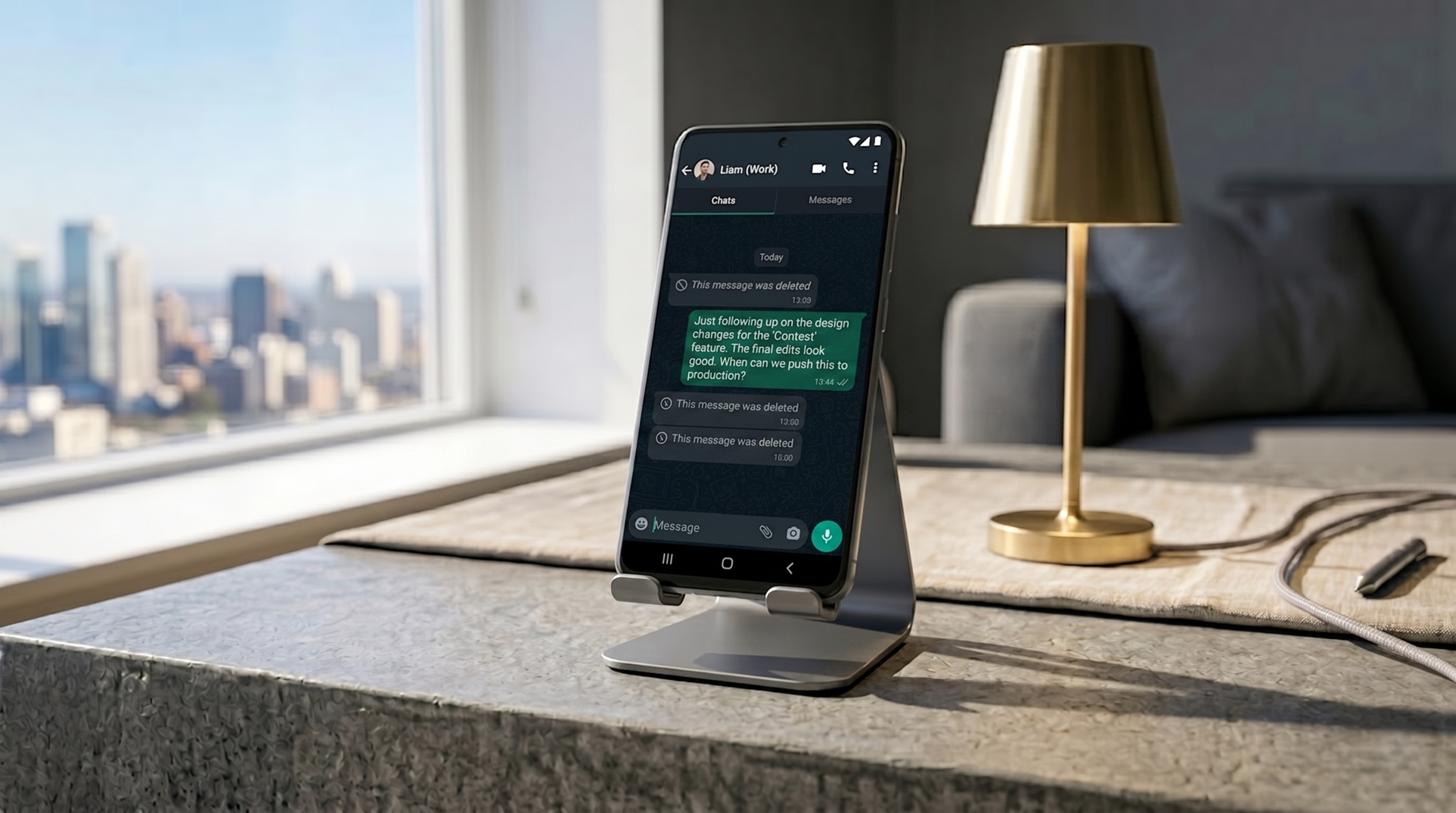
When someone deletes a WhatsApp message, the chat shows “This message was deleted.” On Android, that’s not necessarily the end of the story. A built-in system feature called “Notification History” logs notification previews as they arrive—which means a deleted message may still be readable in that log, even after the sender has removed it.
Here’s exactly how it works, what you can and can’t recover, and what to know before relying on it.
What Notification History actually does
Android’s Notification History feature allows you to see dismissed notifications from the past 24 hours. When a WhatsApp message arrives, the device stores the notification—including its preview text—in this log. If a message was subsequently deleted, the original text is still displayed in the notification history.
This isn’t a WhatsApp-specific feature. It captures notifications from any app—Telegram, SMS, Instagram DMs, and anything else that generates a push notification.
How to enable it
On your Android phone, go to Settings → Notifications and tap on Notification History. Turn on the Notification History toggle to enable it.
The exact path varies slightly by manufacturer. On Samsung devices it may be under Settings → Notifications → Advanced settings. On Pixel and stock Android, it’s directly in Settings → Notifications → Notification History. If you can’t find it, searching “Notification History” in the Settings search bar will locate it.
What you actually see
You’ll only get the first ~50 characters of the message. Longer messages are truncated. Photos, videos, voice notes, and other media don’t appear in the log—only text previews.
The log shows the app name, the notification text, and the approximate time it was received. If the message was deleted shortly after being sent, it will appear in the log with a timestamp before the deletion.
The limitations
Notification History needs to be enabled before a message was deleted in order to recover the deleted text. If the feature was off when the message arrived, there’s nothing to recover. This is the most important limitation: it’s a forward-looking tool, not a retroactive one. Enable it now, before you need it.
The history only registers push notifications. If these are inactive and you receive new messages during that time, they will not appear in the history. WhatsApp notifications must be enabled for this to work.
The log clears after 24 hours. Messages received more than a day ago are no longer accessible through this method.
This feature is Android-only. Unlike Android, iOS’s closed ecosystem offers no user-accessible equivalent.
The part worth thinking about
These apps work both ways. Just as you can use them to read deleted messages sent to you, other people can also use this feature on their phones to read messages you delete. This isn’t meant to cause anxiety—it’s simply accurate. If you’ve ever sent a message and immediately deleted it, anyone with Notification History enabled on their device would have seen the preview before you removed it.
Enable the feature with that understanding.